
Fullscreen
331 Results Found
Sort by:
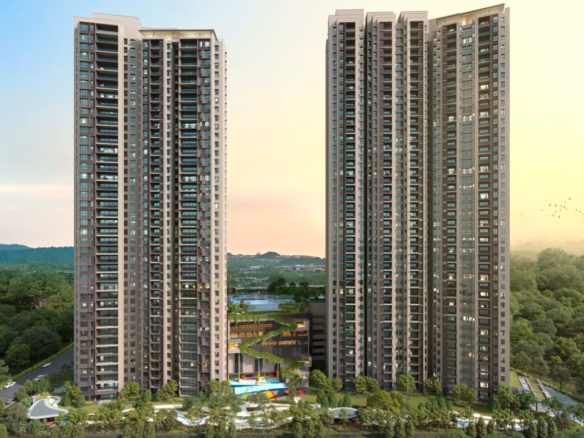
- RM880,000/Before Packages
Ayanna Resort Residence @Bukit Jalil
Jalan Mas 1, Kuala Lumpur, 47180, Malaysia
- Price From.. RM721,800/Before Package
Binastra Cochrane
Binastra Cochrane, Maluri, Cheras, Kuala Lumpur, Malaysia
- Price From.. RM1,800,000/Before Package
Royal Lexis @ near KLCC
12, Jln Sultan Ismail, Bukit Bintang, 50250 Kuala Lumpur, Wilayah Persekutuan Kuala Lumpur
- Starting from RM840,000
MABA Suitez Merdeka 118
6, Jalan Hang Jebat, City Centre, 50150 Kuala Lumpur, Wilayah Persekutuan Kuala Lumpur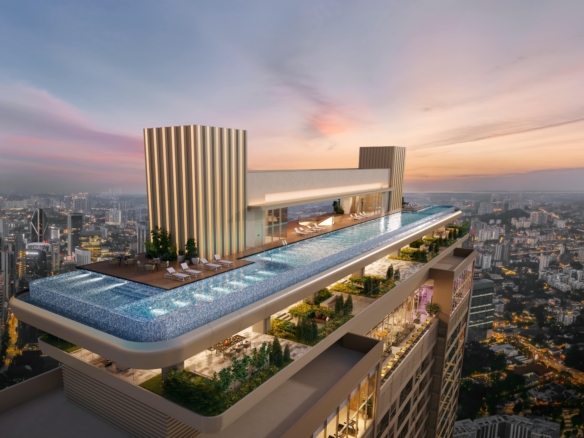
- Price From.. RM1,800,000/Before Package
Pavilion Square @ Bukit Bintang
Pavilion Square, Bukit Bintang, Kuala Lumpur, Malaysia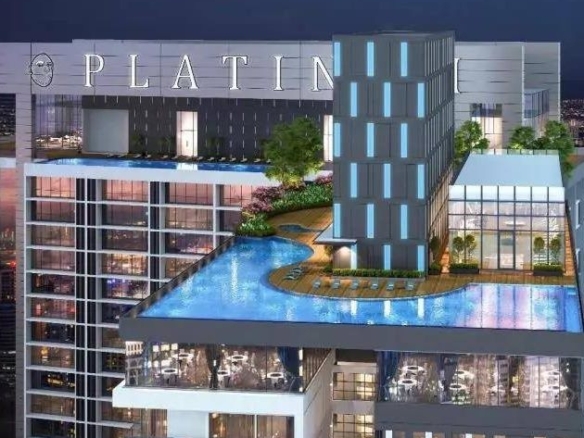
- Price From.. RM1,200,000/Before Package
The Face 2 Platinum Victory Suites @ KLCC
The FACE Victory Suites, Jalan Cendana, Kampung Hujung Pasir, Kampung Cendana, Kuala Lumpur, 50300, Malaysia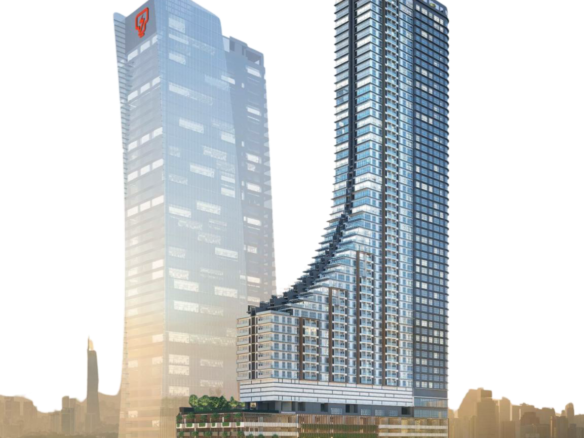
- Price From RM700,000
Khaya Residences @ Bangsar
170, Jalan Bangsar, Bangsar, 59200 Kuala Lumpur, Wilayah Persekutuan Kuala Lumpur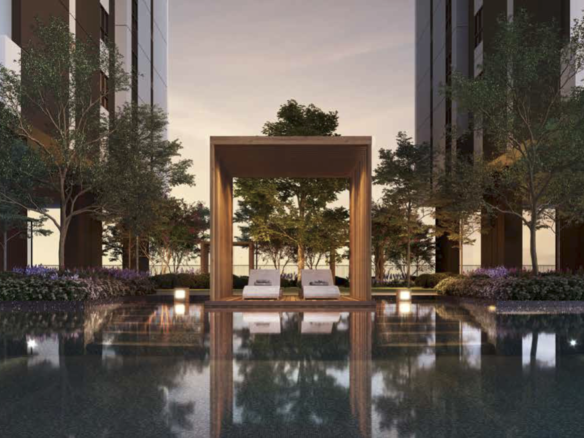
- Start from.. RM626,000/Before Package
ARAS Residence @OUG
Jalan Hujan Bubuk, Taman Overseas Union, Taman OUG, Kuala Lumpur, 57000, Malaysia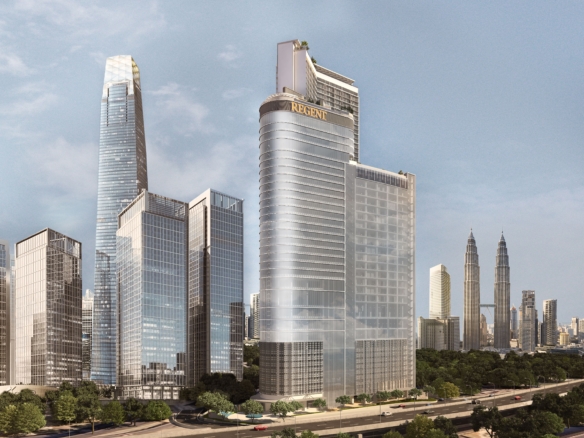
- Price From... RM1,280,000/Before Package
Golden Crown Residence @ near TRX & KLCC
Golden Crown Residence, TRX Tunnel (B3), Tun Razak Exchange (TRX), Maluri, Pudu, Kuala Lumpur, 55188, Malaysia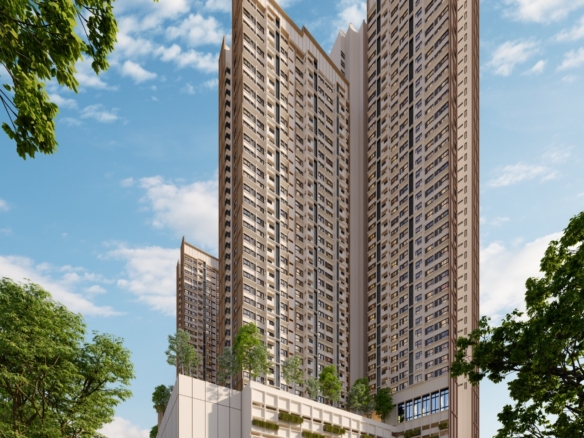
- Price From.. RM710,000/Before Package
QueensWoodz Residence @Bukit Jalil
Bukit Jalil, Kuala Lumpur, 57000, Malaysia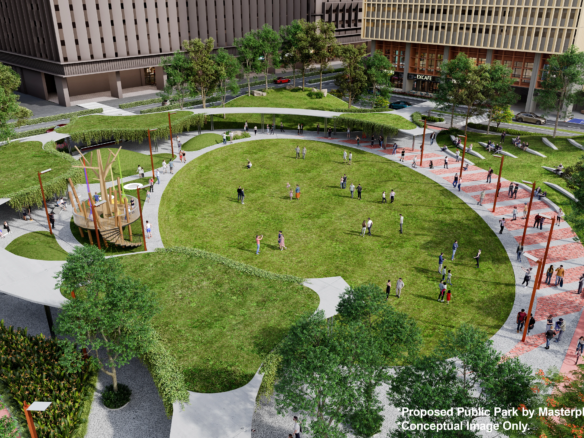
- Price from.. RM440,000/Before Package
Vividz Residence @Bukit Jalil
KL Wellness City, Bukit Jalil, Kuala Lumpur, Malaysia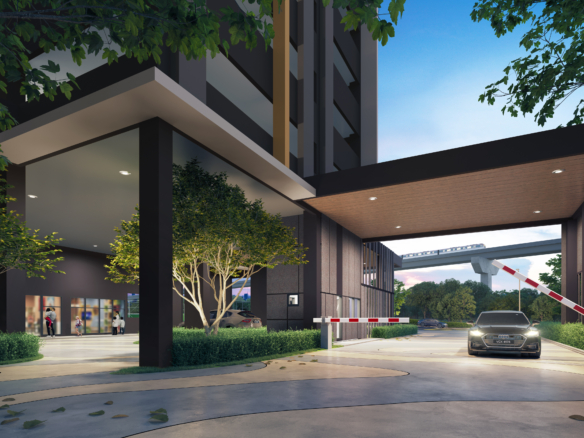
- Price From.. RM490,000/Before Package
D’Evia @ Kwasa Damansara
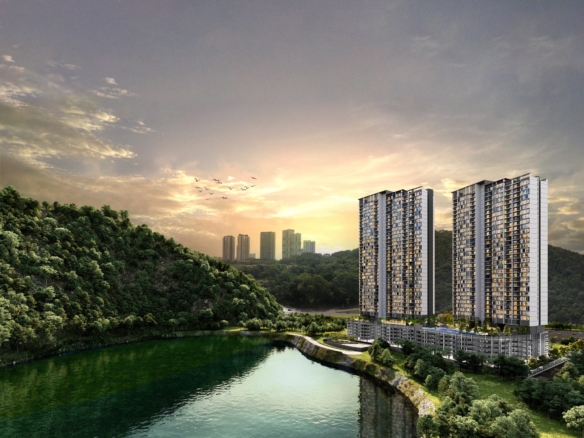
- Price From.. RM700,000/Before Package
Forest Hill @ Damansara Perdana
Jln PJU 8/13C, 47820 Petaling Jaya, Selangor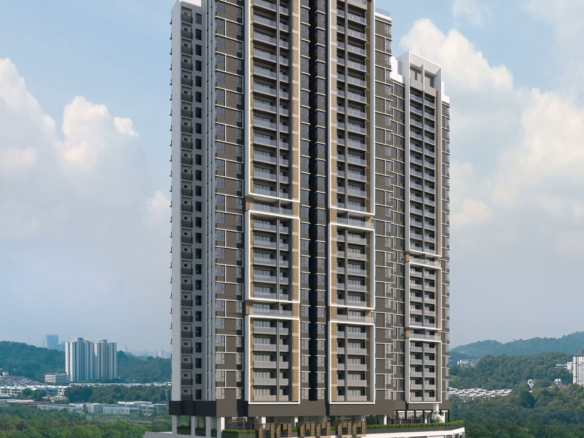
- Price From.. RM830,000/Before Package
OAKA Residence @Bukit Jalil
OAKA Residence, Bukit Jalil, Kuala Lumpur, 57000, Malaysia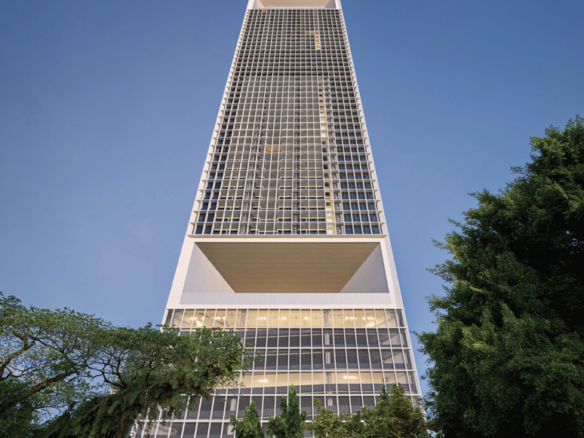
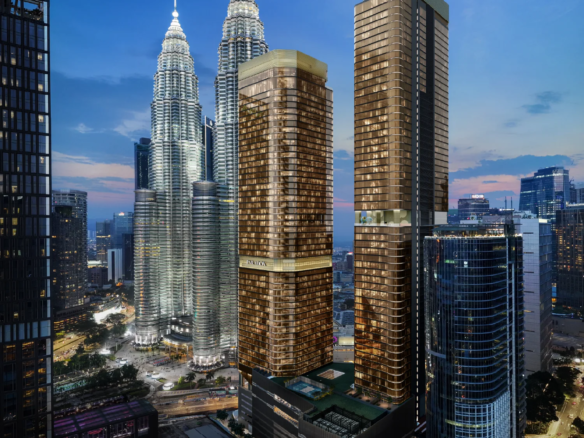
- Price From.. RM1,700,000/Before Package
CloutHaus Residence @ KLCC
CloutHaus Residences & Paradox Hotel KLCC, Kampung Sungai Baru, Kampung Cendana, Kuala Lumpur, Malaysia

- Start from RM660,000
NEW LAUNCH: EXSIM Desa Sri Hartamas
Jalan Sri Hartamas 22, Desa Sri Hartamas, Sri Hartamas, Kuala Lumpur, 50480, Malaysia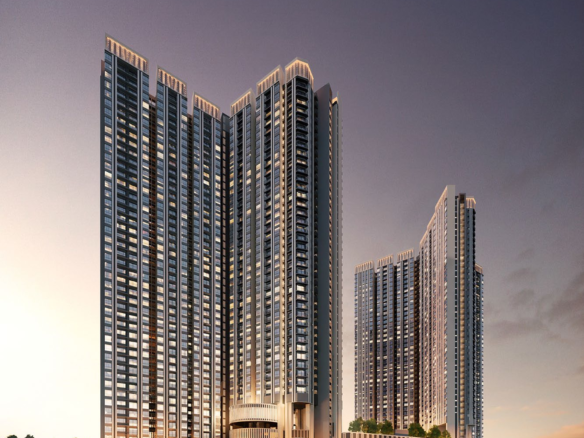
- Price from.. RM620,000/Before Package
REN Residence @Bukit Jalil
Ren Residence @ Bukit Jalil, Kuala Lumpur, Malaysia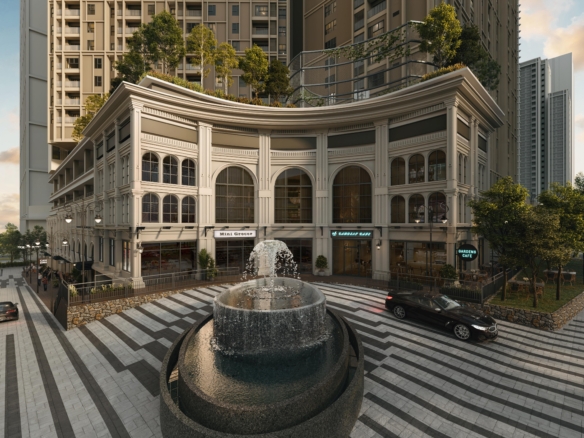
- Price From.. RM570,000/Before Package
The Aldenz @ Central Park Damansara
The Aldenz, Jalan PJU 8/8B, Central Park Damansara, PJU 8, Mutiara Damansara, Petaling Jaya, Petaling, Selangor, 47820, MalaysiaFAQ · PROPERTY SEARCH
Frequently asked questions
Clear answers about search filters, live property data, matching results and the next step.
How do I filter properties by area?
Open the area selector, choose one or more locations, then run the search. Results use the Area and City saved on each published property.
Can I select more than one area?
Yes. The area selector supports multiple choices, so you can compare nearby markets in one results view.
Are prices and availability current?
The site displays the latest information saved on each property page. Packages, incentives and availability can change, so confirm the final details with Albert or Yin before making a decision.
How does the Property Matcher choose results?
It compares your budget, preferred location, property type and bedroom needs with fields in the live property database, then explains why each result appears.
Will new property listings appear automatically?
Yes, when a new listing is published with its Area or City, property type, price and other key fields completed, it joins the relevant filters and matching results.
Can I compare projects before contacting you?
Yes. Use the filters, project pages, calculators and Station Map first. Contact Albert or Yin when you want help checking the remaining trade-offs.
Can overseas buyers use these search tools?
Yes. The search tools are open to local and overseas buyers. Purchase eligibility and minimum-price rules vary, so legal and financing requirements should be verified for the specific property.
How can I request a WhatsApp or Zoom consultation?
Use the WhatsApp button for a quick question, or the Zoom call button on the homepage when you want a structured review of your shortlist.